
Simple Tips for Organizing a Clutter-Free Workspace at Home
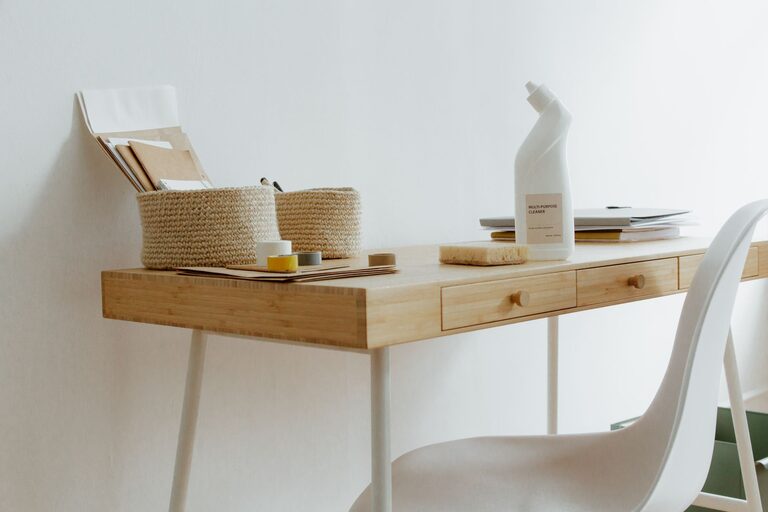
Creating a clutter-free workspace at home can make a big difference in your productivity and overall well-being. A tidy desk and organized environment help reduce distractions, minimize stress, and improve focus. Whether you work remotely full-time or need a functional space for occasional projects, these simple tips will help you create and maintain a clean workspace.
Why Organizing Your Home Workspace Matters
If your workspace is cluttered, you might find it harder to concentrate or feel overwhelmed by the mess. An organized environment promotes a calm mindset, encourages efficiency, and can even inspire creativity. Plus, a clean workspace saves you time by making it easier to find supplies, files, and devices when you need them.
Step 1: Declutter and Sort
Before you start organizing, clear everything off your desk and sort through each item. Ask yourself:
– Do I use this regularly?
– Is it essential for my work?
– Can it be stored elsewhere or discarded?
This initial decluttering helps you keep only the essentials in your workspace. Use three boxes or piles labeled “Keep,” “Store,” and “Remove” to make this process easier.
Remove Unnecessary Items
Get rid of anything that doesn’t belong in your work area. This could include old papers, broken gadgets, or items that belong in other parts of your home.
Step 2: Choose the Right Desk and Chair
A spacious desk with built-in storage or space for organizers can help keep your workspace neat. Consider your available space, and try to keep your desk free of excess items.
Pair your desk with a comfortable chair that supports good posture. A proper chair encourages longer periods of comfortable and focused work.
Step 3: Use Storage Solutions
When it comes to organizing supplies, storage is key.
– Desk Organizers: Use trays, pen holders, or small bins for everyday tools like pens, paper clips, and sticky notes.
– Filing System: Use file folders, binders, or boxes to organize important documents. Label them clearly for quick access.
– Shelving: Add bookshelves or wall-mounted shelves to hold books, reference materials, or decor.
– Cable Management: Tidy up wires with clips, ties, or cable boxes to prevent tangling and keep your desktop clear.
Step 4: Develop a Daily Clean-Up Routine
Keeping your workspace tidy doesn’t have to be a big task. Spend a few minutes at the end of each workday to:
– Put away supplies
– File loose papers
– Wipe down your desk surface
– Charge or put aside electronics neatly
This short routine will prevent clutter from building up again and make mornings less stressful.
Step 5: Personalize Your Space Mindfully
While it’s important to keep your workspace uncluttered, adding a few personal touches can make it inviting and comfortable.
– Choose a small plant for fresh air and a splash of color.
– Add a photo or artwork that inspires you.
– Use a nice lamp that provides good lighting without taking up too much space.
Avoid overdecorating, which can distract or create more clutter.
Step 6: Optimize Lighting and Ergonomics
Good lighting helps reduce eye strain and improves your mood. Position your desk near a window if possible, or use daylight bulbs.
Ensure your monitor is at eye level and your keyboard and mouse placement allow your arms to rest comfortably. Ergonomic adjustments prevent discomfort and boost your ability to focus for longer periods.
Bonus Tips for Maintaining a Clutter-Free Workspace
– Regularly review what you keep at your desk and remove non-essentials.
– Keep digital files organized alongside your physical space.
– Limit eating at your desk to avoid crumbs or stains.
– Use a timer or app to remind yourself to tidy up periodically.
—
By following these straightforward tips, you can create a clutter-free workspace at home that supports productivity and peace of mind. A little effort each day goes a long way toward maintaining an environment where you can do your best work. Happy organizing!